
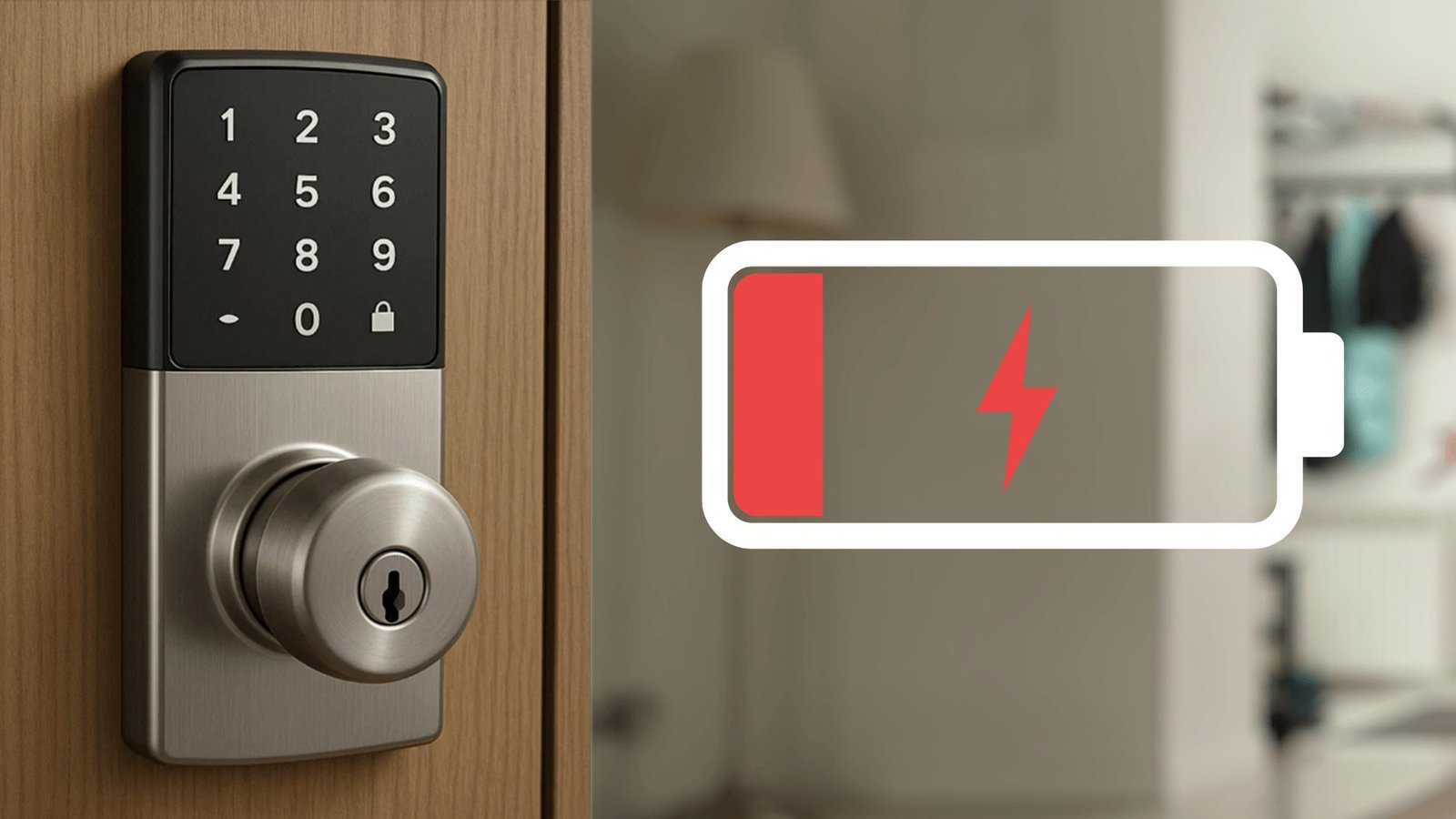
The transition from physical keys to digital keypads, biometric scanners, and smartphone-controlled entry systems brings undeniable convenience. However, it also introduces a modern anxiety: what happens when the technology fails? If a severe storm knocks out the local grid, or if internal hardware simply stops responding, are you going to be stranded on your own front porch?
The short answer is that a standard electrical power outage will not physically lock you out of your home. However, the loss of your home’s Wi-Fi network and the depletion of the lock’s internal batteries present entirely different challenges. Understanding the mechanics of your electronic deadbolt is the difference between a minor inconvenience and needing an emergency house lockout intervention.
How Electronic Deadbolts Operate During a Power Cut?
A widespread misconception is that smart locks are wired directly into a house’s electrical system. In reality, almost all residential smart locks on the market operate independently of your home’s mains electricity. They are powered by internal battery packs, typically containing four AA batteries or a specific rechargeable cell.
Therefore, if your neighbourhood experiences a complete power blackout, the physical locking mechanism of your smart lock will continue to function seamlessly. The internal motor that retracts and extends the deadbolt relies entirely on those internal batteries. You can still walk up to your door, punch in your access code on the keypad, or scan your fingerprint, and the door will unlock exactly as it usually does.
The Loss of Remote Access and Wi-Fi Connectivity
While the physical mechanism remains operational during a blackout, the smart capabilities of your lock will likely be severely restricted.
If your power goes down, your Wi-Fi router goes down with it. Most smart locks utilize a Wi-Fi bridge to connect to your smartphone app over the internet. Without that active network connection, you lose remote access. This means you will not be able to unlock the door for a tradesperson while you are sitting in the office, nor will you receive push notifications detailing who has entered or exited the property.
If your lock relies on Bluetooth rather than Wi-Fi for proximity unlocking, this feature will usually continue to function as long as your smartphone and the lock have battery life, as Bluetooth operates via a direct, localized connection between the two devices.
What Happens When Your Smart Lock Battery Dies Completely?
The real vulnerability of a smart lock is not the municipal power grid; it is the lock’s own internal battery life. An electronic deadbolt failure due to drained batteries is the primary reason homeowners find themselves suddenly unable to gain entry to their home.
Smart locks are designed to warn you well in advance of a complete battery failure. You will typically see a low-battery indicator light flashing red on the keypad, hear a distinct warning chime every time the locking motor engages, or receive repeated push notifications to your smartphone app weeks before the batteries completely discharge.
However, cold weather snaps can drain battery cells faster than anticipated, and ignoring these warnings inevitably leads to a completely dead device. When the internal battery reaches zero percent, the keypad goes dark, the internal motor cannot engage, and the lock becomes a static, immovable barrier.
The 9-Volt Battery Jumpstart Hack
If you arrive home to find your electronic keypad completely unresponsive, do not panic and do not attempt to force the door. Many leading smart lock manufacturers design their keyless entry systems with an emergency jumpstart feature specifically for this scenario.
Look underneath the exterior housing of your smart lock. On models designed without traditional keyholes, you will often find two small metal contact points. If you purchase a standard 9-volt battery from a local shop, you can press the two battery terminals directly against these metal contacts on the lock.
This process delivers a temporary surge of power to the internal circuitry—just enough to wake the lock up. While holding the 9-volt battery firmly in place, you can type your usual access code into the keypad. The motor will draw power from the 9-volt battery to retract the deadbolt, allowing you to get inside and replace the internal AA batteries immediately.
Mechanical Overrides: The Ultimate Failsafe
While keyless models exist, the most robust smart locks on the market still feature a concealed mechanical keyway. This traditional cylinder serves as the ultimate failsafe against total electronic failure, software glitches, or battery death.
Homeowners should always keep the physical override key in a secure, accessible location outside the property, such as a hidden lockbox or with a trusted neighbour. Relying entirely on digital entry points leaves a margin for error. If the internal mechanism jams, or if the digital motherboard fails entirely, possessing the physical key bypasses the electronics and operates the deadbolt manually. If you have lost this override key and the digital components fail, you will immediately require professional unlocking services to drill or pick the physical cylinder.
Actionable Steps for a Total Lock Malfunction
Sometimes, technology simply breaks. A lock might suffer from water ingress, a fried motherboard, or a jammed internal tailpiece that prevents the motor from physically throwing the bolt. If the 9-volt battery trick fails, the keypad is unresponsive, and you do not have a physical override key, forcing the door will only result in severe damage to your doorframe and weatherstripping.
In the event of a total, unrecoverable hardware failure, attempting DIY entry techniques often voids the lock’s warranty and escalates the repair costs. Instead, assessing the situation calmly and relying on dedicated residential lockout services ensures the door is opened cleanly. Professional technicians have the diagnostic tools to determine if the lock can be reset, re-keyed, or if the entire unit requires immediate replacement to restore your home’s perimeter security.